
Assumed breach assessment
We start from a foothold you provide, such as a standard user account, a company laptop or VPN access, and test how far an attacker could get from there. The aim is to show which paths lead to sensitive systems and data, and whether your monitoring and response would notice in time.
- Starts from a stated foothold
- Detection review
- Retest included
-
Stated starting pointUser account, laptop or VPN
-
Detection reviewWhat was seen, and when
-
Rules of engagementAgreed before testing
-
Retest includedWithin 6 months, up to 10 issues
Who this is for
A good fit
- Organisations that want to understand their internal exposure and test their detection without paying for a long initial-access phase.
- If you want to test whether attackers can get in at all, see red team assessment or social engineering.
Worth knowing
- It suits teams that have some monitoring in place, and teams that do not yet but want to know where to start.
What we test
Active Directory privilege paths
Group memberships, delegation and access control weaknesses
Details
- Group memberships, delegation and access control weaknesses
- Certificate services and service account misconfiguration
- Paths from a standard user to administrative control
Lateral movement
Movement between workstations, servers and network segments
Details
- Movement between workstations, servers and network segments
- Use of legitimate admin tools that blend in with normal work
- Segmentation between user, server and management networks
Credential exposure
Passwords in scripts, shares, configuration files and documentation
Details
- Passwords in scripts, shares, configuration files and documentation
- Reused local administrator passwords
- Weak service account passwords and cached credentials
Cloud and identity pivot
Whether on-premises access leads into cloud or SaaS identity
Details
- Whether on-premises access leads into cloud or SaaS identity
- Synchronised accounts, over-privileged roles and app permissions
- Covers Microsoft 365, Azure, AWS or GCP where in scope
Detection and response
Which actions raised alerts, and when
Details
- Which actions raised alerts, and when
- Which actions went unnoticed
- How quickly your team or provider responded
- Optional joint review with your defenders
Data access objectives
Agreed targets such as finance systems, customer data or source repositories
Details
- Agreed targets such as finance systems, customer data or source repositories
- Proof of access with minimal, approved evidence
- No real data taken beyond what you approve
What you receive
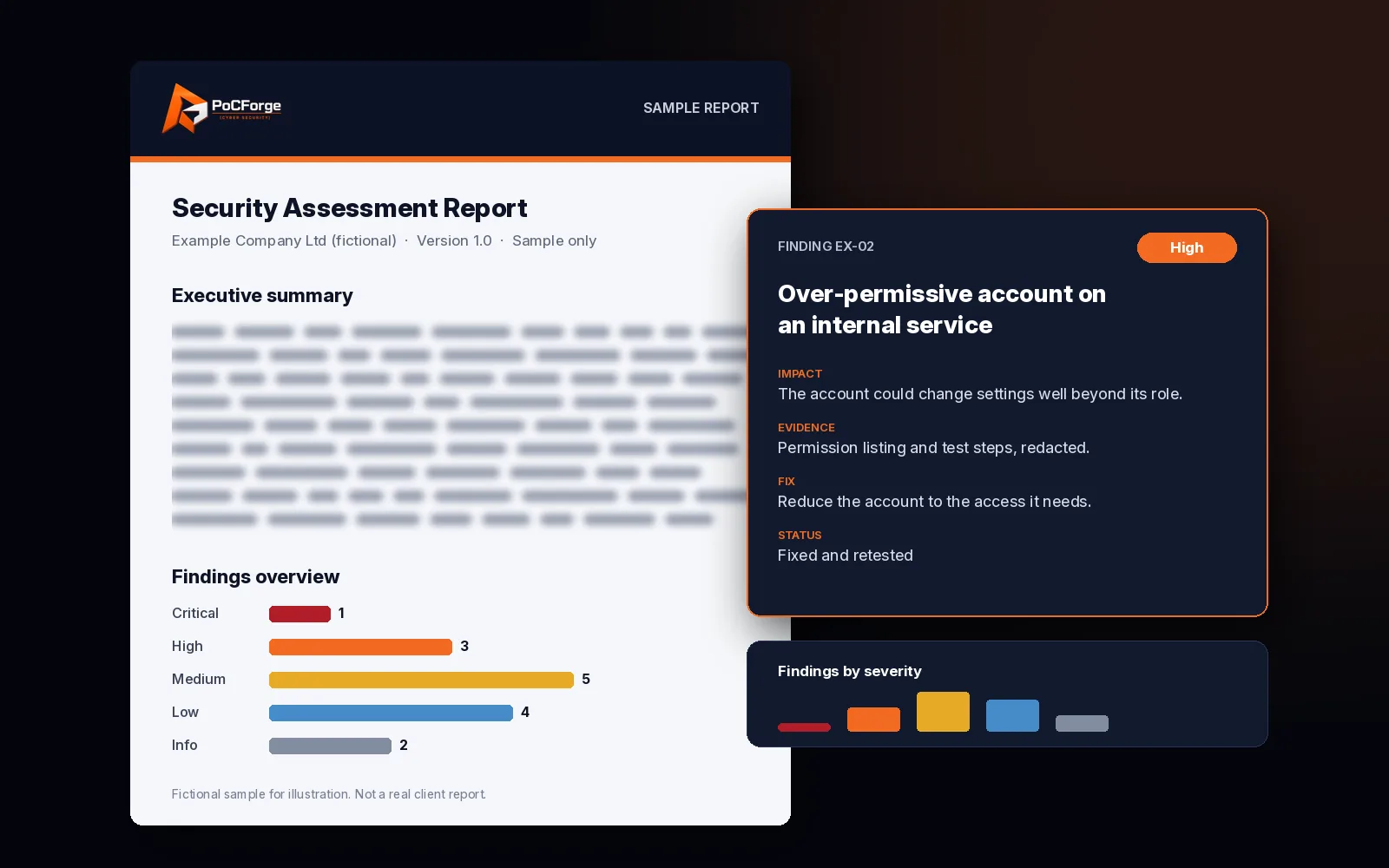
- An executive summary for leadership.
- Attack paths from the starting point to each objective, step by step.
- Technical findings with evidence and remediation steps.
- Detected versus undetected activity, where the detection review is included.
More about the report
- A walkthrough call with your team.
- Retest of up to 10 issues within 6 months of the original test, with an updated report.
What it is
Most serious incidents begin with one compromised account or device: a phished password, a stolen session or an infected laptop. An assumed breach assessment skips the question of how the attacker got in and focuses on what happens next. That makes the test shorter and more predictable than a full red team, and it puts the effort where the damage is usually done: inside the network and the identity systems.
Starting points
Standard user account
- A normal domain or cloud identity with typical permissions
- Shows what any employee account exposes
- The most common starting point
Compromised endpoint
- A company laptop or virtual desktop built to your standard image
- Tests endpoint controls as well as the network
- Close to what follows a successful phishing email
VPN or remote access
- Remote access credentials for a typical user or contractor
- Tests segmentation from the remote access network
- Useful where third parties connect in
Safety
- No destructive actions, ransomware simulation that encrypts data, or denial of service.
- Changes we make for testing are recorded and removed at the end.
- Real personal data is avoided; any proof file is minimal and approved by you first.
- Activity that could affect production is agreed in advance or left out.
- An emergency stop contact is available throughout the test window.
Common findings (examples)
- A short path from a standard user to domain administrator.
- Passwords stored in shared drives or login scripts.
- The same local administrator password on many machines.
- Flat networks where a user laptop can reach management interfaces.
- On-premises accounts that give wider access in the cloud than intended.
- Activity that was logged but never raised an alert.
What we need from you
- Signed rules of engagement and authorisation before testing starts.
- The agreed starting account, device or remote access.
- A contact who knows the test is running and can stop it.
- A decision on whether your security team or provider is told in advance.
- Access to detection logs after the test if you want the detection review.
Typical timeline
Duration depends on the size of the environment, the number of objectives and whether cloud identity is in scope. Dates and check-in points are agreed at scoping and written into the rules of engagement.
Standards and method
Planning and reporting draw on NIST SP 800-115, and steps are mapped to MITRE ATT&CK tactics so your defenders can match them to detections. PoCForge does not hold CREST STAR, CBEST or CERT-In empanelment. If a contract requires a named scheme, tell us at scoping and we will be clear about what we can and cannot provide.
Scope and rules
- Scoping. Starting point, objectives, in-scope networks and accounts, test window and anything off limits.
- Rules of engagement. Written and signed before testing, with named contacts and an emergency stop.
- Foothold handover. You provide the account, device or VPN access agreed at scoping.
- Discovery and movement. We map the environment and work towards the objectives, checking in at agreed points.
- Detection review. We compare our timeline with what your monitoring recorded.
- Report and walkthrough. Findings, attack paths and fixes, explained to the people who own them.
- Retest. Up to 10 fixed issues retested within 6 months of the original test.
Red team assumed-breach engagement
Anonymised assumed-breach red team pattern: multi-surface objectives, detection gaps and board-ready narrative without TTP dumps.
Read the case study →- Starts from a stated foothold
- Detection review
- Retest included
Related
Frequently asked questions
How is this different from a red team?
A red team usually includes gaining initial access, for example through phishing, and runs over a longer period. An assumed breach assessment starts from access you provide, so it is shorter and focuses on what an attacker could do once inside.
How is it different from an internal network test?
An internal network test aims to find as many issues as possible across a scope. An assumed breach assessment follows realistic attack paths towards agreed objectives and can also measure what your monitoring detects.
What starting access do you need?
Usually a standard user account, and often a company laptop or VPN access built like any other employee’s. We agree the exact starting point at scoping.
Is it safe for production?
Yes, within the rules of engagement. Destructive actions are out of scope, risky steps are agreed in advance and an emergency stop is available throughout.
Should we tell our security team?
That is your choice. Some clients tell only a small group so detection is tested fairly. A stop contact must always know the test is running.
Does it cover cloud?
It can. If your on-premises identity links to Microsoft 365, Azure, AWS or GCP, we can test whether a foothold leads to wider cloud access. This is agreed at scoping.
Is a retest included?
Yes. We retest up to 10 issues within 6 months of the original test and update the report.
Do you claim CERT-In empanelment?
No. PoCForge does not hold CERT-In empanelment, CREST STAR or CBEST.
Ready to scope this?
Tell us your environment, the starting point you have in mind and what you want to protect. We reply with a suggested scope.
Request a free scope review →